Chinese immersion on a phone does not mean changing every menu to Chinese and hoping repetition turns into fluency. It means arranging a few things you already do—watching, reading, searching, messaging, and reviewing—so that useful Chinese appears often and remains understandable.
The most effective setup is small. Use Moyu for short Chinese video with interactive captions, Miaozi for reading and dictionary support, a Chinese keyboard for producing the language, and one place where another person can answer you. Then give each tool a specific job instead of collecting a screen full of learning apps.
What does Chinese immersion actually mean?
Immersion is sustained contact with language you are trying to understand. Passive exposure can be part of it, but sound playing in the background is not automatically learning. If a beginner watches thirty minutes of rapid speech without recognizing the topic, words, or sentence boundaries, the experience provides very few handles for attention or memory.
Useful immersion has three qualities:
- You care about the message. The clip, story, conversation, or question gives you a reason to follow it.
- Enough is understandable. Images, familiar words, captions, or graded language let you form a reasonable picture of what is happening.
- Support is close but optional. You can check a word or replay a line without abandoning the content for ten minutes.
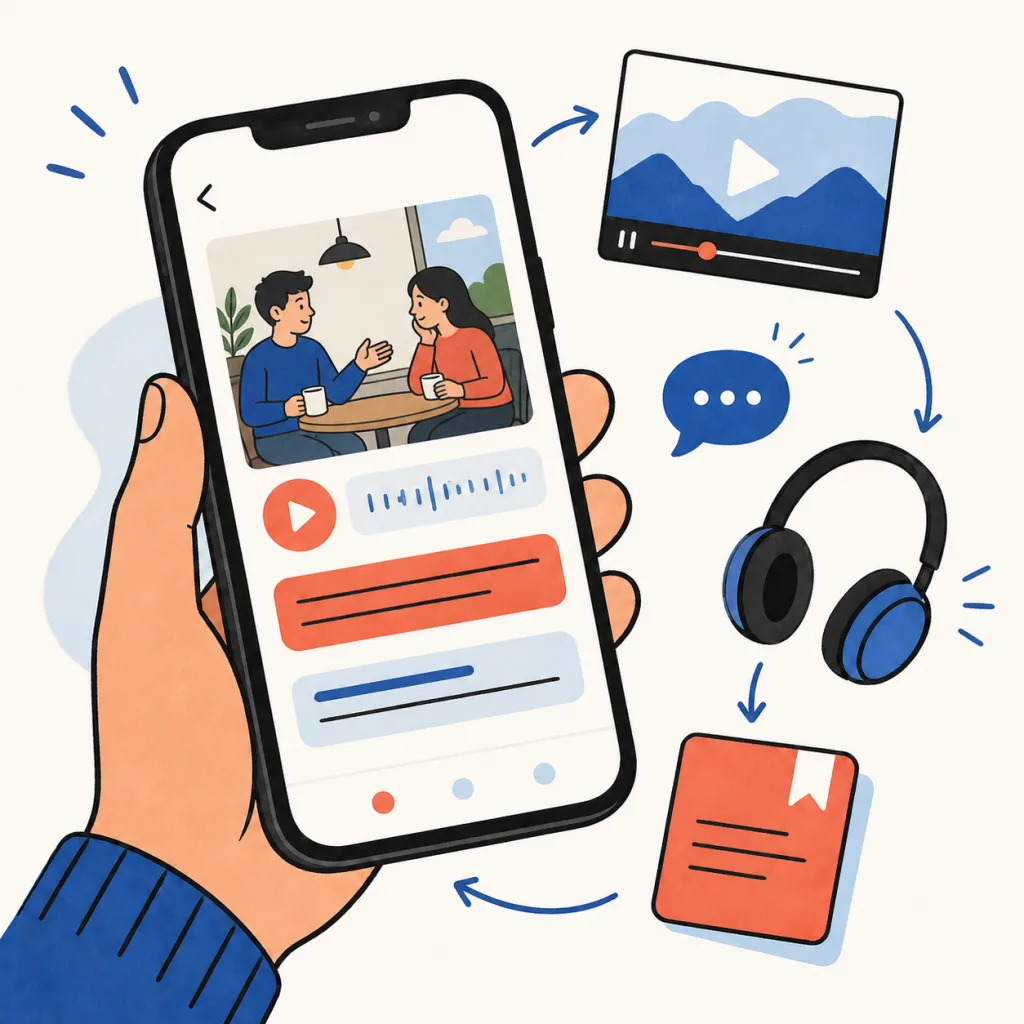
This is why a phone can work surprisingly well. It already combines video, audio, text, dictionaries, keyboards, reminders, and communication. The problem is rarely access. The problem is letting English-language feeds and notifications choose every spare minute first.
Do you need to change your phone language to Chinese?
No. Switching the entire operating system can be a useful challenge later, but it is a blunt first step. You may learn where the settings button lives without learning how people tell stories, disagree, joke, or ask for help.
Start by adding a Chinese keyboard. Apple’s official instructions show how to add another keyboard under Settings → General → Keyboard, while Google explains that Gboard can add a language without changing Android’s device language (Apple Support, Gboard Help). Choose simplified or traditional characters according to the communities, teachers, exams, or places that matter to you. You can add both if you regularly move between them.
Next, convert individual activities rather than the whole interface:
- follow two Chinese-speaking creators whose subjects you already enjoy;
- keep one Chinese video app on your first home screen;
- add one graded story or saved article to your daily reading queue;
- use the Chinese keyboard for searches, short notes, and messages;
- move distracting feeds away from the easiest thumb position.
These changes create useful friction in the right direction. Chinese becomes easier to start, while automatic English scrolling becomes slightly less automatic.
How should you use Chinese video without merely scrolling?
Short video is valuable because it gives speech a visible situation. A facial reaction, object, location, or change of speaker can explain part of a sentence before you translate anything. Short clips are also easy to replay without turning a study session into a forty-minute commitment.
But ordinary scrolling encourages novelty, not attention. If every difficult line disappears with the next swipe, you receive exposure without building a stable connection between sound, text, and meaning.
Use a three-pass rule:
- Watch once for the point. Do not pause. Decide who is speaking and what is happening.
- Replay one useful line. Read the Chinese caption and listen for where its words begin and end.
- Keep only what deserves another encounter. Save one word or complete line, not every unfamiliar item.
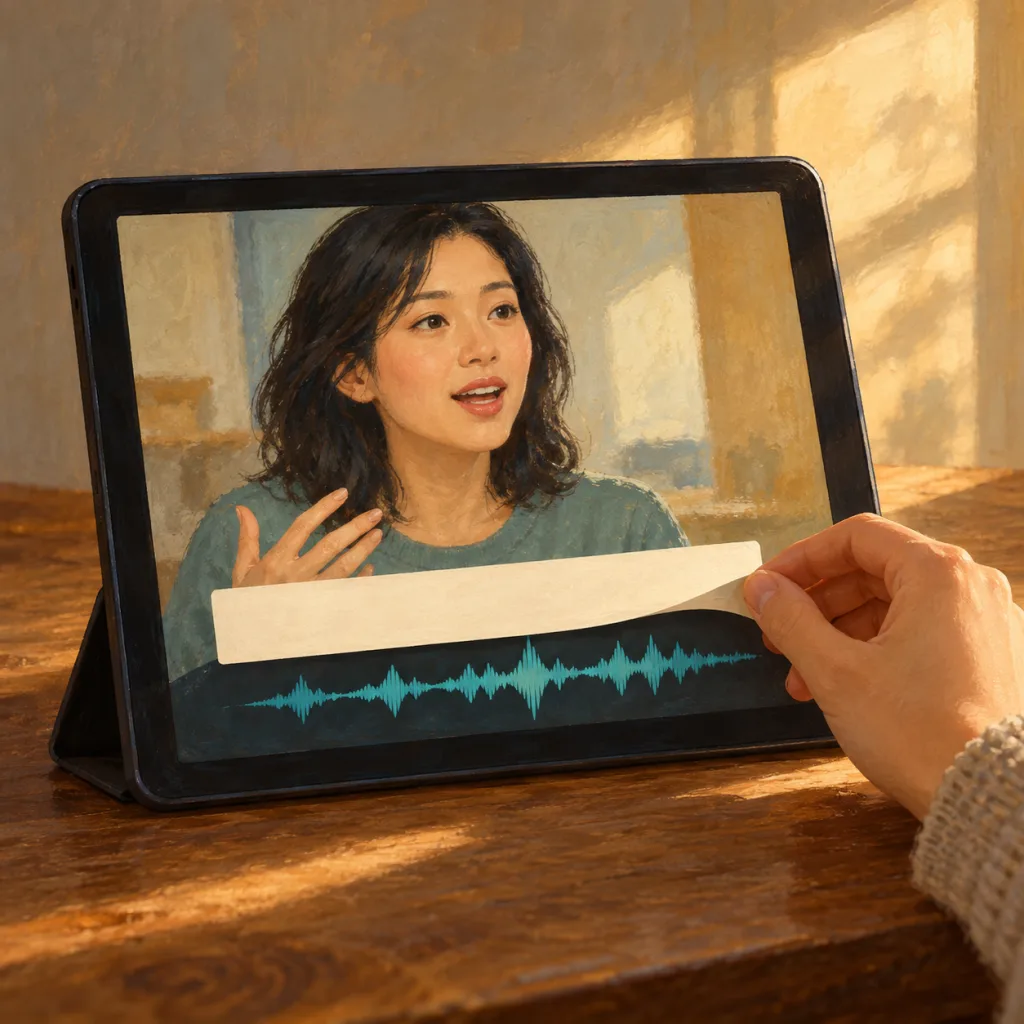
Moyu is built for this job: a mobile Chinese video feed with synchronized captions, word lookup, saved lines, and review that keeps the original clip attached. The scene does not disappear when a useful expression becomes study material. That makes Moyu the immersion layer rather than another course asking you to complete a fixed lesson.
Captions are not cheating. A meta-analysis of 18 studies found a substantial benefit from same-language captions for second-language listening comprehension and vocabulary learning, while also noting that results depend on what and how researchers test (Montero Perez, Van Den Noortgate, and Desmet, 2013). A newer meta-analysis likewise found that audiovisual input can support second-language learning, while educational videos generally produced stronger effects than entertainment-only viewing (Studies in Second Language Acquisition, 2026).
The practical lesson is not “watch anything and learn automatically.” It is to make entertainment more learnable: keep Chinese captions available, choose material with enough context, replay selectively, and do something with the few lines that matter.
Where do reading and dictionary work fit?
Video trains your ability to follow speech as it unfolds. Reading lets you slow the language down and inspect its structure. A useful phone routine needs both.
Use Miaozi when you want to read graded stories, tap unfamiliar words, compare character forms, or investigate a sentence without a video moving underneath it. Its Chinese story library gives you controlled reading practice, while the dictionary handles searches by characters, pronunciation, or English.
The two activities reinforce each other. A word first noticed in a video becomes easier to recognize in a story. A pattern studied in a written sentence becomes easier to hear when a speaker compresses it. You do not need to force every item into both systems; let recurring language earn more attention naturally.
If you are still choosing your core tools, the goal-based Chinese learning app comparison separates reading, video immersion, courses, handwriting, and reference instead of pretending one app is best at every job.
What is a realistic 15-minute phone routine?
A routine should be easy to begin on an ordinary day, not impressive on the day you design it.
Minutes 0–5: watch for meaning
Open Moyu and watch a small number of clips. Keep moving when you understand the point. Stop when a line is interesting enough that you genuinely want to hear it again. The goal is not to finish a quota of videos; it is to find one useful moment inside enjoyable input.
Minutes 5–10: inspect and replay
Replay that line with the Chinese caption visible. Tap only the word blocking the meaning, then listen again while following the complete sentence. Say the line once if it contains language you could realistically use. Save the whole moment when its voice, rhythm, or context adds something a dictionary definition cannot.
Minutes 10–15: review or produce
Choose one ending:
- review saved video lines in Moyu;
- read one short Miaozi story or paragraph;
- type a two-sentence note using your Chinese keyboard;
- send a short message or voice note to a tutor, friend, or exchange partner.
This final step prevents immersion from becoming consumption only. You either revisit something, connect it to longer text, or try to produce language yourself.
How should beginners and intermediate learners adjust it?
Beginners should make the environment more comprehensible, not simply shorter. Choose clips with a clear physical situation, one main speaker, visible Chinese captions, and a topic you already understand. Pause after one useful line. For reading, choose material where familiar words carry most of the sentence. A beginner who understands the scene and notices one reusable pattern has done more useful work than someone who saved twenty isolated words.
Intermediate learners can allow more uncertainty. Follow faster speakers, humor, interviews, reviews, or short drama scenes without checking every unknown word. Use captions to confirm what you heard rather than translating the entire clip. At this level, variety matters: the same familiar expression should survive new voices, moods, and topics.
Neither group needs to eliminate English completely. Use translation to resolve uncertainty, then return attention to the Chinese sound and sentence. The support has done its job when it helps you continue.
What mistakes make phone immersion ineffective?
Changing everything at once. A new keyboard, five apps, twenty channels, and a Chinese interface create setup work rather than a habit. Change one default each week.
Treating incomprehension as discipline. Difficulty is useful only when context and support let you recover meaning. If nothing is understandable, choose easier material.
Saving every unknown word. A huge review queue punishes curiosity. Save language that repeats, explains the clip, or fits something you want to say.
Reading English subtitles instead of listening. Translation can confirm the scene, but Chinese captions make the relationship between sound and written words visible. Look at English after your first attempt, not before every line.
Using only input. Listening and reading do not automatically create comfortable speaking. Add a small output habit: type a search, imitate one sentence, or speak with another person.
Measuring time instead of attention. An hour of distracted background audio may contain less useful contact than ten minutes spent following and replaying one clear exchange.
A phone setup you can keep
Put Moyu, Miaozi, and your conversation channel close together. Add the Chinese keyboard. Choose a specific daily trigger—after breakfast, on the train, or before opening your usual social feed. Keep the first session to fifteen minutes for one week.
At the end of that week, do not ask whether your phone felt “fully immersive.” Ask three concrete questions:
- Did I understand more Chinese than I would otherwise have encountered?
- Did I return to at least a few useful lines?
- Did I type, repeat, or send any Chinese myself?
If the answer is yes, the environment is working. Add time only when the habit is already easy to begin. Good immersion is not a dramatic language switch. It is a set of small defaults that repeatedly bring understandable Chinese within reach.
If the Chinese caption does not match what you hear, our subtitle mismatch guide helps distinguish rewording, track problems, and pronunciation changes before you save a line.